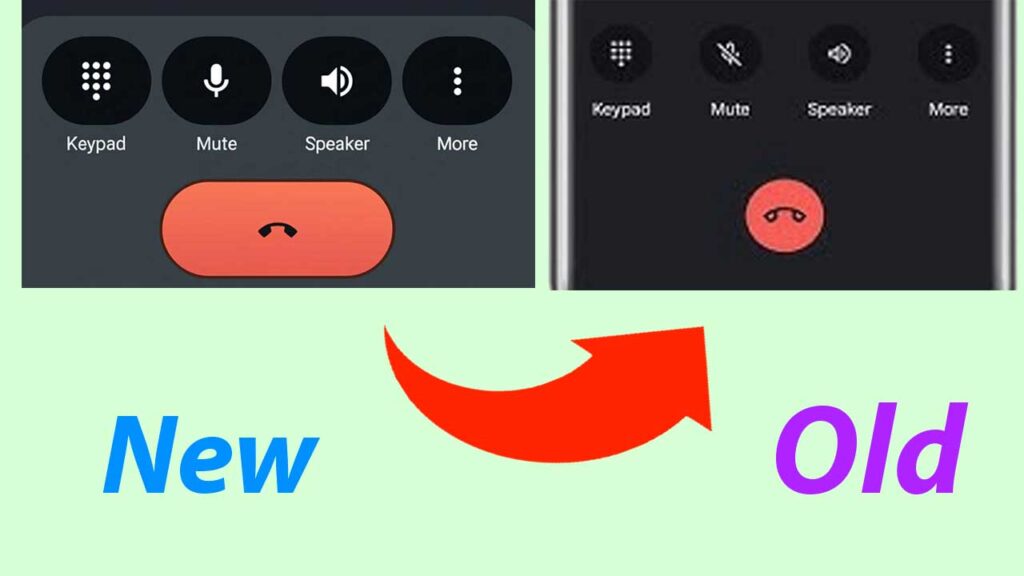
Google recently updated its Dialer app (Phone by Google) with a Material 3 Expressive design. While the new look is modern and simplified, many users miss the classic interface they were comfortable with. If you prefer the old Google Dialer UI, here are some practical ways to bring it back.
Why Did Google Change the Dialer?
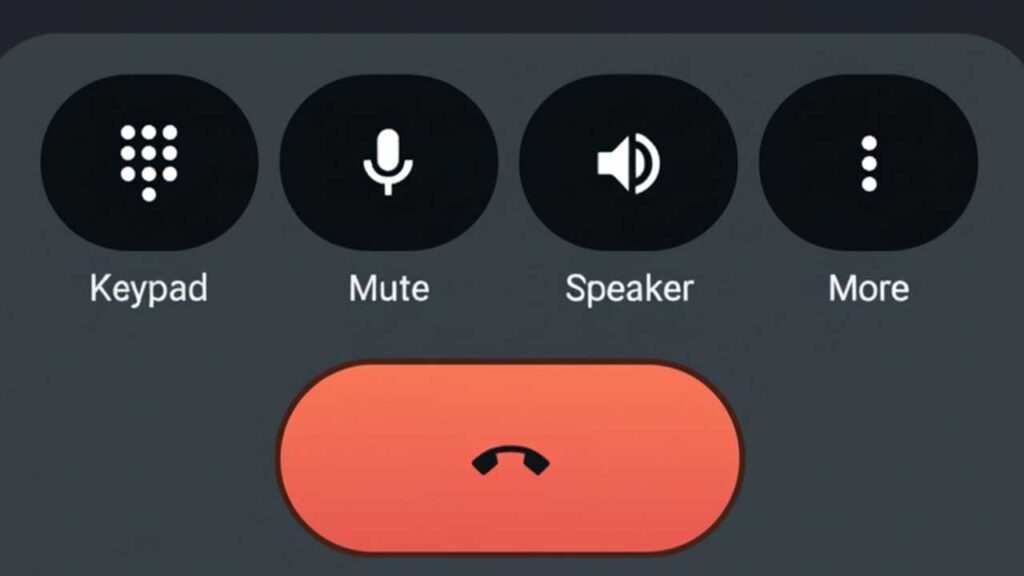
In August 2025, Google rolled out the new Material 3 design with:
- Version 186 (stable)
- Version 182 (beta)
The redesign introduced:
Also Read

- A three-tab layout (Home, Keypad, Voicemail)
- New swipe and tap gestures for answering calls
Although it looks cleaner, some users find it less practical compared to the older version.
Methods to Restore the Old Google Dialer UI
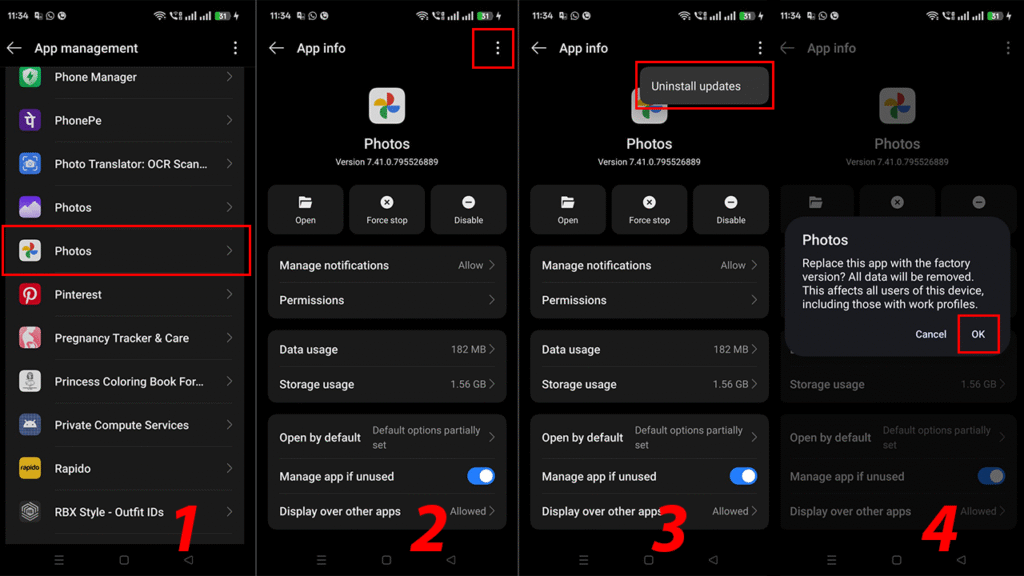
1. Uninstall Updates (Quick Fix)
The fastest way to get back the old interface is to roll back the app updates.
- Open Settings on your phone.
- Go to Apps → Phone (Phone by Google).
- Tap the three-dot menu (top-right).
- Select Uninstall updates.
- Restart the app.
2. Disable Automatic Updates
To stop Google from reinstalling the new UI:
- Open the Google Play Store.
- Search for Phone by Google.
- Tap the three-dot menu (top-right).
- Uncheck Enable auto-update.
3. Try a Third-Party Dialer
If reverting doesn’t work on your device, you can switch to a reliable alternative dialer app:
- True Phone Dialer
- Simple Dialer
- Contacts+
These apps offer clean designs and customization options similar to the old Google Dialer.
4. Advanced Method: Root & Rollback
For experienced users:
- Root your device and install an older APK of the Google Phone app.
- This gives full control over updates and ensures the old UI stays.
Also Read
⚠️ Warning: Rooting can void your warranty and carries security risks. Only try this if you know what you’re doing.